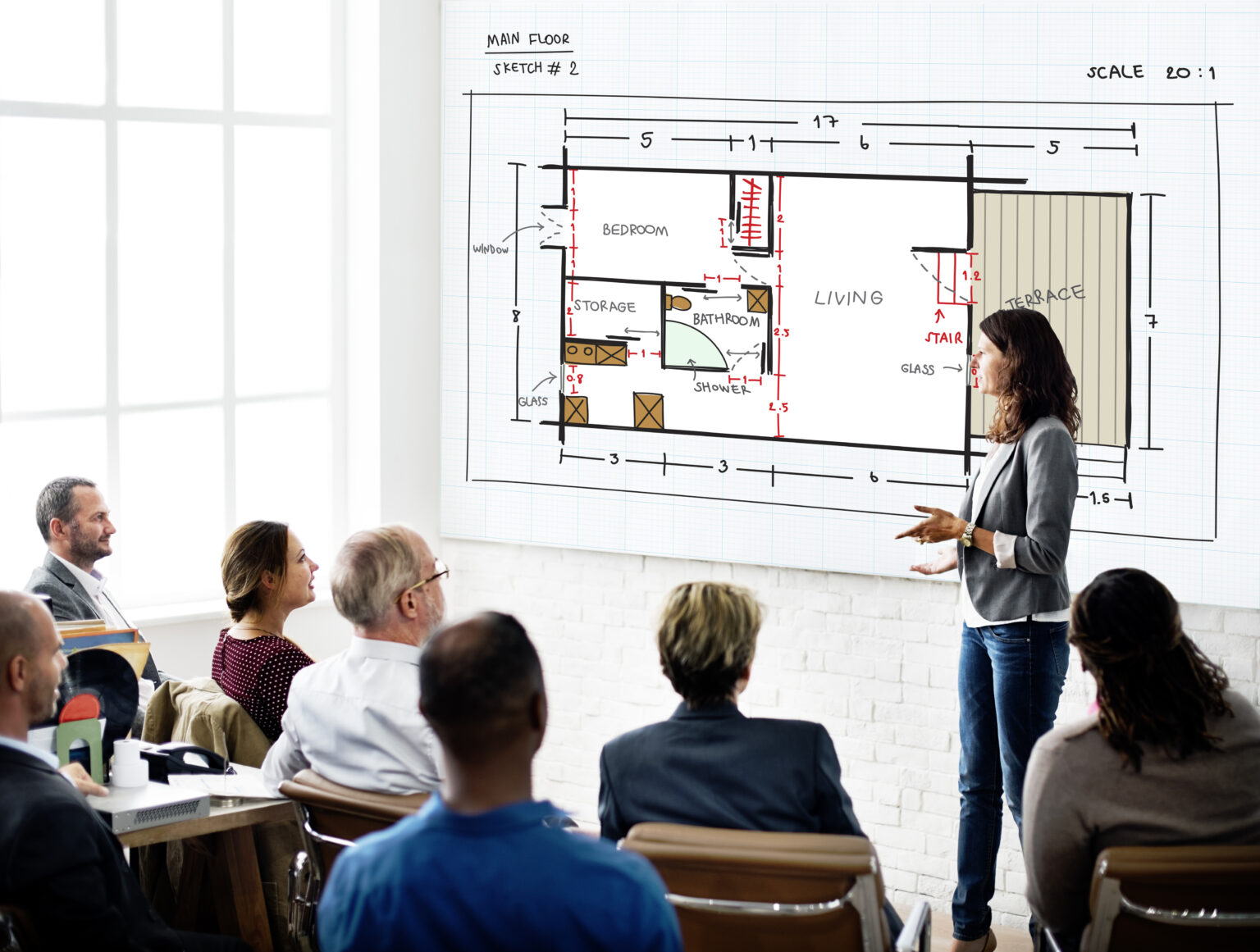
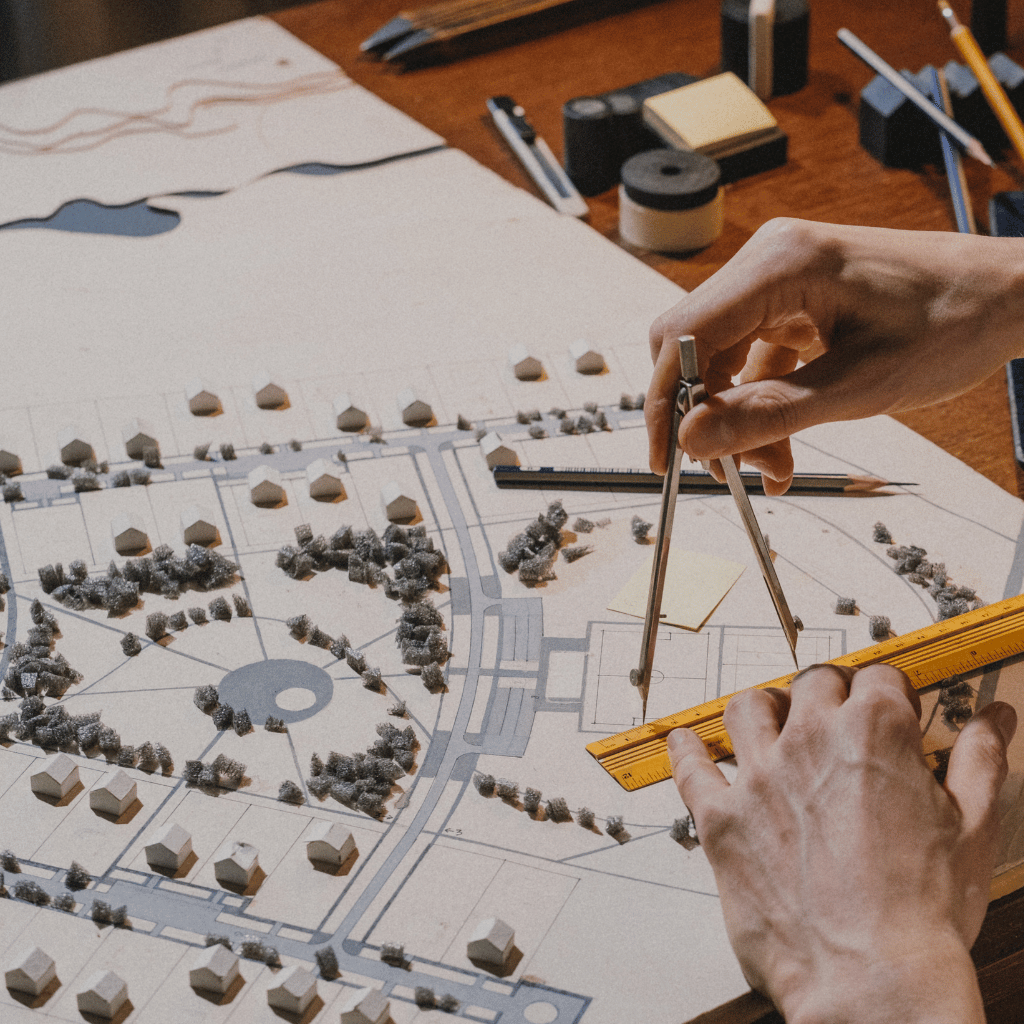

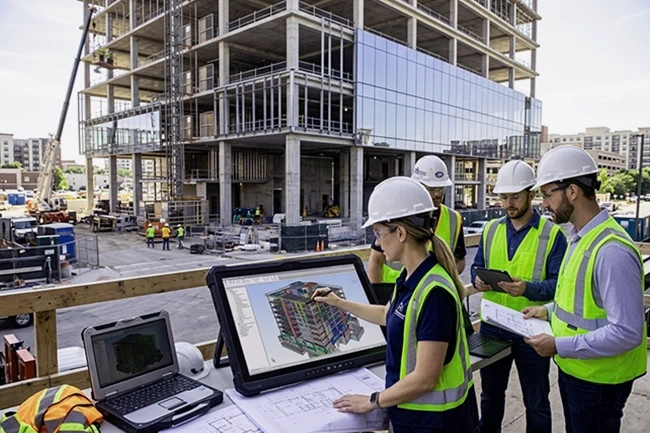
It is very rare that a commercial building still remains the same as it appeared in its original construction plan. Mechanical system changes, improvements as per tenant requirements, wall alterations, and maintenance work change the existing building and the plan that was used for its construction. The real problem begins with the lack of documentation of these changes. In future when renovation and construction requirements arise then the team has to start with incomplete information.
This is the situation when as-built drawings help teams in resolving their problems. These drawings will record everything from how a building was actually built to its recent condition and when it was last documented. For planning new construction work, architects, contractors, and property owners can count on them.
But wait! An old drawing set cannot show you the present picture. To use it effectively, you need to collect all the information about a building: how it was made, what it includes, and how many changes were really made to it. In this guide, we go all the way to understand the practical side of commercial building documentation and how to gather source material to review the final CAD files. If your team needs help with the as-built drawings, contact McLine Studios for expert help.
1. What Are As-Built Drawings for Commercial Buildings?
The as-built drawings is a planned documentation of all the changes happened in a building since its original construction. Other details may depend on the project-to-project needs, like updated dimensions, wall locations and changes, openings, and building systems, including other construction details.
These drawings are the real trouble saver. It keeps track of all the activities at one place, otherwise the facts tend to end up scattered across field notes, contractor markups, photos and revision logs. This includes office renovations, retail fit-outs, restaurant modifications, warehouse improvements, and facility upgrades.
Just take an example, if you have to renovate an office that involves different moving partitions and electrical outlets that are relocated. If a team has an original layout instead of current construction details, the design team has to do an investigation before moving forward with the plan. This leads to wastage of time, and time is money.
Expert-based as-built drawing services can save your time and turn complex field information and project records into organized drawings. Construction projects follow one principle: the result is as good as the input. Inappropriate information leads to low output.
2. What Should a Commercial As-Built Drawing Set Include?
For this question, there is no single answer. What a commercial as-built Drawing set includes depends on the following.
Architectural drawings
It primarily covers the floor plans, different sections of a building, interior elevations, location of doors and windows, and wall positions. These are the drawings that help teams to understand how a space is laid out and what kind of changes are associated with it.
Structural drawings
If any structural work is planned, there are clearly visible column grids, beams, and structural openings in the set. However, these drawings show you the visible structure, but they do not tell you about the load capacity and the condition of the construction. Before doing any modification to a structural component, it is better to take advice from an engineer.
Mechanical, electrical, and plumbing (MEP) drawings
HVAC equipment, ductwork, piping, electrical gear, fixtures, and system routes are part of the MEP documentation. How much of that gets documented comes down to access, available records, and the agreed scope. But make sure of one thing: if an old drawing shows a pipe at a place, confirm it before moving ahead.
Site information and references
Some packages also include site layouts, utility information, drawing numbers, revision dates, legends, notes, and links to supporting documents. When a project needs updated room layouts or measured dimensions, floor plan drafting services may be the right fit for preparing the architectural side of the documentation.
3. As-Built vs. Redline vs. Record vs. Existing-Condition Drawings
These terms are not interchangeable. There is a different meaning associated with each one of them.
| Drawing type | Primary purpose |
| Design drawings | Communicate the intended design before construction. |
| Redline drawings | Record field changes and markups for review or incorporation. |
| As-built drawings | Document constructed conditions or reported construction changes, depending on the project’s terminology and requirements. |
| Record drawings | Preserve project information after construction, with preparation and review responsibilities defined by the applicable contract or standard. |
| Existing-condition drawings | Document conditions observed or measured at a particular point in time. |
The use of terminology primarily shifts from contract to contract and jurisdiction to jurisdiction. For example, the American Society of Civil Engineers, for instance, separates contractor-prepared as-builts from record drawings prepared under the direction or supervision of licensed professionals in its civil engineering guidance.
In the case of older commercial buildings, the difference between a historical record and a statement of current condition matters the most. You will find that a drawing is perfectly fine when it is handed over, but still it may miss many changes since made.
So, before you rely on existing documentation for a renovation, find out when it was prepared, what it covers, and whether anyone verified the critical dimensions and conditions.
4. How Are As-Built Drawings Prepared?
It is the quality control, field information, source review, and drafting that, altogether, will make a reliable documentation process.
Step 1: Collect what already exists
Start by collecting all the files you can gather. This includes PDFs, revisions that were approved, CAD files, markups for construction, relevant RFIs, and other details related to the project. Once collected, analyze them carefully and find out the conflicting dimensions and areas that need extra focus.
Step 2: Decide what needs field verification
Before beginning with the plan, the project team should find out for the parts which required detailed measurements, and thorough independent checking. Depending on the building and the accuracy needed, that might involve measurements, a professional survey, photographs, laser scanning, or a combination.
Step 3: Document the discrepancies
Compare the records to the results of the field work. If a wall is located at a spot that the original plan shows, write that down and determine what can be confirmed. Do not quietly insert an assumption to hide a conflict. Flag everything that remains unresolved for review.
Step 4: Prepare or update the CAD drawings
The drafter needs to add the details to the set once the information is reviewed. From updating the floor plan, annotations, and dimensions, everything needs to be added. Also, each and every source used for drafting purposes must be stated and differentiated from those sources whose details remain unverified.
Step 5: Review and deliver
Quality checks should examine consistency, sheet references, legibility, coordination between drawings, and agreement with the verified information. Deliverables usually include PDFs and editable DWG files depending on the client’s needs. If you also require BIM models, survey files, or point‑cloud data, specify those separately.
5. Manual Measurement vs. Laser Scanning
The right way to measure depends on how complicated the building’s how easy it is to get to what needs to be delivered and what the project wants to achieve. Manual measurement works for small areas, certain parts, simple designs, or when checking specific things. How good it is depends on how you measure, how much you cover, how you write it down, and how hard the place is to work in.
Laser scanning takes lots of measurements of space. It can help create point clouds to record what can be seen in the building. It can be helpful for inside areas, big stores, and projects that need a lot of information about what’s already there.
Scanning doesn’t automatically make a finished drawing or make sure all the measurements are right. The data that is collected has to be looked at and understood. Some parts that can’t be reached or are hidden might not be known. For projects that need models to show the building, converting point cloud to BIM models can help change the data into building information.
The project plan needs to say what kind of detail is needed, how accurate the measurements should be, how much area is covered, and what will be delivered before work starts.
6. How to Verify the Accuracy of As-Built Drawings
Do not go by the word “as-built.” It does not tell you how in-depth a measurement has been done and checked for a building.
- Verification scope: Determine which areas and building elements were checked or measured during the inspection.
- Measurement basis: Confirm whether the dimensions were taken from field measurements, supplied drawings, scan data, or estimates.
- Reference dimensions: Compare dimensions to trusted reference points and the available field data to ensure accuracy.
- Revision history: Make sure that all documented changes have been properly included and reflected in the work.
- Conditions: Note any areas that could not be accessed, conflicting measurements, or assumptions that still need verification.
- Drawing consistency: Check that units, annotations, sheet references, and alignment are consistent across all drawings.
Consider an office floor plan that shows a corridor wall at one location, while field measurements indicate a different position. The discrepancy should be documented, checked against the available records, and resolved with the responsible project team before the drawing is treated as verified.
Think of an office food plan. In the plan, a corridor wall is shown at a location, but the field measurement indicates a different position for it. These types of discrepancies need to be documented and checked against the available record. The project team resolved this issue before beginning labelling the drawing as verified. CAD drafting services are a useful tool for the preparation and updating of different drawing files from appropriate source information. However, do not confuse drafting with independent verifications, surveying, and engineering approval unless and until any of these or all of these are explicitly included.
7. Common Mistakes in Commercial Building Documentation
The usefulness of a drawing set gets ruined by recurring problems.
- Relying entirely on plans: The original documents might not show changes that happened later with the tenants or modifications made to the building. Make sure to compare conditions with the right proof.
- Treating estimates as confirmed dimensions: It is important to tell the difference between measurements that have been checked and those that are just guesses or assumed.
- Missing construction changes: Look at the markups, changes, and records from the project, rather than depending on one old plan that is not up to date.
- Ignoring concealed conditions: Just because something is visible in the structure does not mean it shows everything. There could be pipes, wires, or other things hidden behind walls or above ceilings that are not seen.
- Poor revision management: Use dates and, on the drawings, clear revision numbers and sources so that people who use the documents later can understand how the documents have changed over time.
- Failing to define limitations: Say clearly what was measured, what was provided, and what was not. What conditions still need to be checked.
What is known and what remains uncertain are the two things that a useful drawing set clearly communicates.
8. What Should You Request from an As-Built Drafting Provider?
What is the primary use of the drawings, and what kind of documentation is required, are the two things you must establish before moving forward with any provider.
- Identify the building areas and the drawing disciplines that are needed.
- Provide any plans, revisions, photographs, and field records.
- Say whether site measurement or survey coordination is needed.
- Decide on the required formats like PDF, DWG, BIM, or other types.
- Set the drawing scales, dimensions, detail levels, and naming conventions.
- Determine who will check the field conditions and fix any differences.
- Record what is not included, the assumptions made, areas that can’t be accessed, and who’s responsible for the review.
- Set out the review process, how many rounds of revisions there will be, the schedule, and the criteria for accepting the work.
Every file type or measurement method does not go hand in hand with every project. It truly depends on the actual purpose of the documentation. When it comes to comparing different providers, you give a good eye to their experience in the commercial projects handling, process use by them or quality-control, file compatibility, communication and ability to explain the limitations of the available source data.
9. What Affects Cost and Turnaround Time?
The cost and schedule for as-built drawings vary according to the scope of work and the complexity of the building. A small office suite with reliable existing plans requires a different effort from a multi-floor commercial property with incomplete records and extensive MEP documentation.
It is the scope of work and the complexity of the building that decide the cost and schedule for as-built drawings. There is a different level of effort required for a small office with reliable existing plans than for a multi-floor commercial property with incomplete records and extensive MEP documentation.
The important factors are:
- Total floor area and building complexity.
- Number of floors and drawing disciplines.
- Availability and quality of existing CAD files.
- Whether you need field measurements, surveying, or laser scanning.
- Site access and how many areas can’t be reached.
- Required level of detail, verification, file formats, and review rounds.
A useful quotation should define the deliverables, assumptions, exclusions, verification responsibilities, and revision process. Avoid comparing prices without comparing scope. A cost drafting-only service may not include site measurement or independent verification, while a comprehensive survey-and-documentation package may cover substantially more work. The client must confirm the differences before choosing a provider.
10. Keeping Building Records Current After Handover
When I look at a completed drawing set, I see a point in a building’s past. After renovations, tenant fit‑outs, equipment replacements, or system changes, parts of the drawing set can become out of date.
I recommend that commercial property owners set up a method that records changes and keeps documentation up to date. The method can involve keeping approved revisions, gathering field markups noting equipment updates, and marking the date and origin of every update.
I believe facility managers must confirm that staff can spot the approved drawing set. Old versions can still serve as records, yet old versions must never be mixed up with the current conditions.
I find that regular reviews of documentation are especially useful when buildings experience changes or run complicated maintenance tasks.
Conclusion: Make Better Decisions with Reliable Building Documentation
Reliable as-built drawings give commercial project teams an understanding of documented building conditions before they plan modifications or future work. The usefulness of as-built drawings depends on appropriate source information, defined verification requirements, clear revision records, and honest documentation of unresolved conditions.
If your project requires updated plans or organized CAD documentation, McLine Studios’ as-built drafting services may be a suitable starting point for discussing the required scope, source files, and deliverables. Contact the team to discuss your building documentation requirements and determine the appropriate next steps.
Frequently Asked Questions
They show what was actually built or what exists and help with planning changes, making improvements for tenants, fixing problems, working together, and keeping records of the project.
Sometimes, if the information that is there is good enough for what needs to be done. Some important measurements or changes that are not visible or hard to reach might need more checking.
No. Laser scanning only shows what is visible on the surface. Hidden parts might need methods to find them or old records that are available.
Who is responsible depends on the agreement for the project and the rules that apply. Contractors, people who make drawings, people who do surveys, and designers might each have jobs when it comes to making, checking, or approving the drawings.
PDF is good for looking at the drawings and sharing them. Files that can be changed like DWG or models, from BIM might be needed for work and planning. Say what file types are needed for the job.